Florencesa Whitelivers

Florencesa Whitelivers is a dynamic and innovative professional with a deep-seated passion for transformative problem-solving. As a key contributor to EndBugFlow, she leverages her extensive expertise in strategic planning and process optimization to drive impactful solutions, ensuring streamlined operations and enhanced organizational efficiency. With a background in both technology and business management, Florencesa has spent over a decade at the intersection of these fields, effectively bridging the gap between technical teams and executive leadership. Her commitment to fostering collaborative environments and her talent for identifying growth opportunities have positioned her as a trusted advisor and leader in her field. Outside of her professional pursuits, Florencesa is an advocate for continuous learning and personal development, frequently engaging with emerging industry trends and sharing her insights through various platforms. Her dedication to excellence and innovation continues to inspire those around her as she navigates the ever-evolving landscape of business transformation.

language-nuances
Core Tech Concepts and Insights

Understanding Stack Traces: How to Read Debug Output Faster

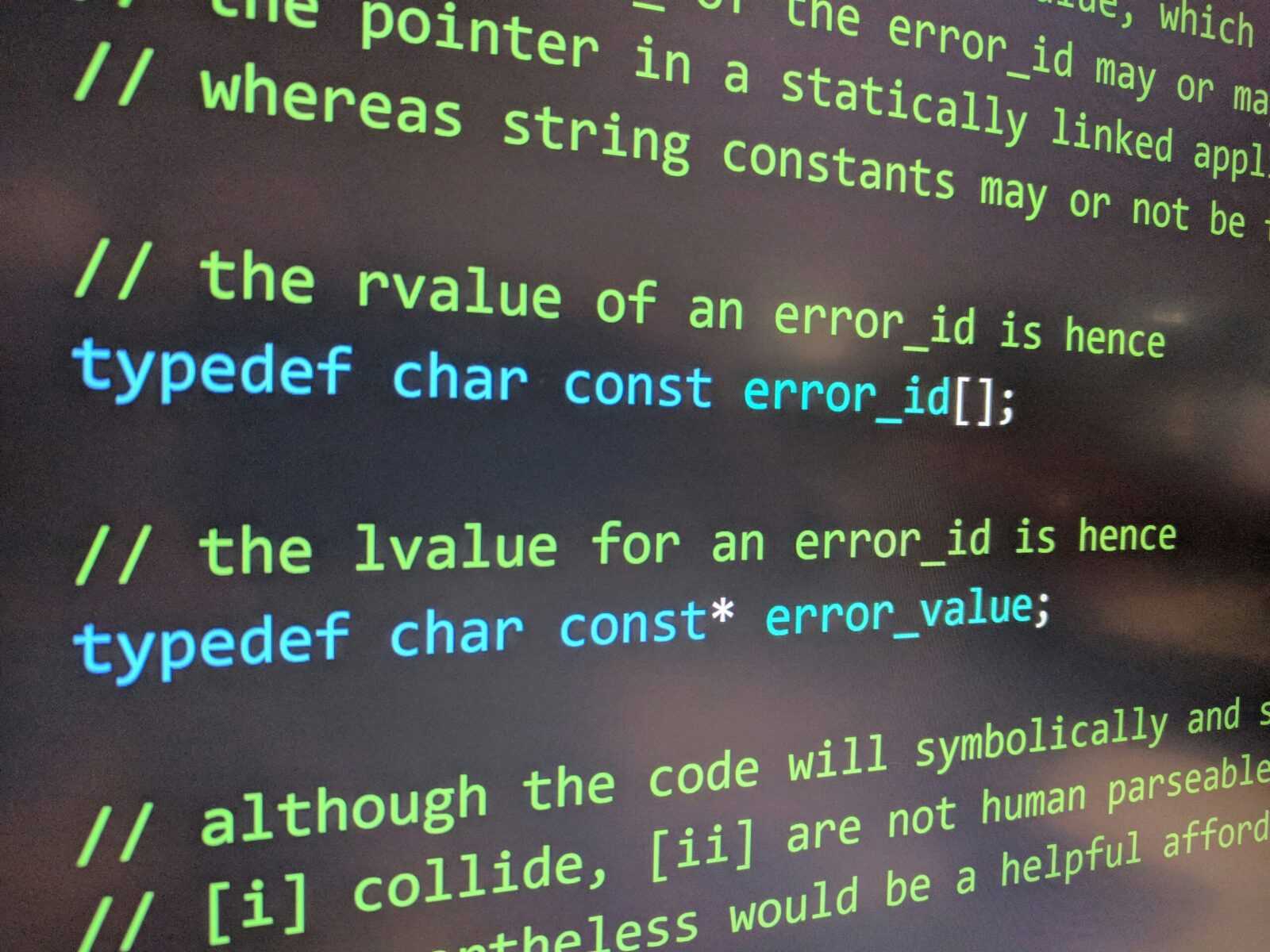
What a Stack Trace is Actually Telling You Think of a stack trace as your app’s black box recording exactly how it got to the point where something broke. Each line is a breadcrumb, tracing the path of function calls that the program took before it hit a wall. Top of the list: where […]

Understanding Stack Traces: How to Read Debug Output Faster Read Post »
accelerated-automation-1
Digital Workflow Optimization

Optimizing Error Reporting Workflows to Reduce Downtime

The Real Cost of Downtime Downtime isn’t just a technical issue it’s a business risk with measurable and hidden consequences. Whether it’s a short lived glitch or a major outage, each minute of downtime chips away at revenue, productivity, and user trust. Measurable Business Impact When systems fail, the financial hit can escalate quickly.

Optimizing Error Reporting Workflows to Reduce Downtime Read Post »

workflow-transformation-1
Innovation Alerts

Automated Bug Fixes: How AI Is Shaping Future Debugging Frameworks

Where Debugging Stands Today Debugging used to mean one thing: time. Long nights scanning logs, dropping breakpoints everywhere, and hoping you could reproduce the bug. Developers relied on their experience, persistence, and a little bit of luck to trace problems through layers of code. It was manual, reactive, and often a grind. The bottlenecks

Automated Bug Fixes: How AI Is Shaping Future Debugging Frameworks Read Post »

relentless-prioritization-1
Bug Resolution Process Hacks

Triage and Prioritize Bugs Like an Experienced Developer

Why Bug Triage is a Critical Skill When bugs are flying in from every direction user reports, automated tests, team demos it’s easy for a dev team to lose its footing. That’s where structured triage comes in. It stops the group from spiraling into chaos by giving you a reliable decision making routine. Instead

Triage and Prioritize Bugs Like an Experienced Developer Read Post »

debugging-enhancements
Digital Workflow Optimization

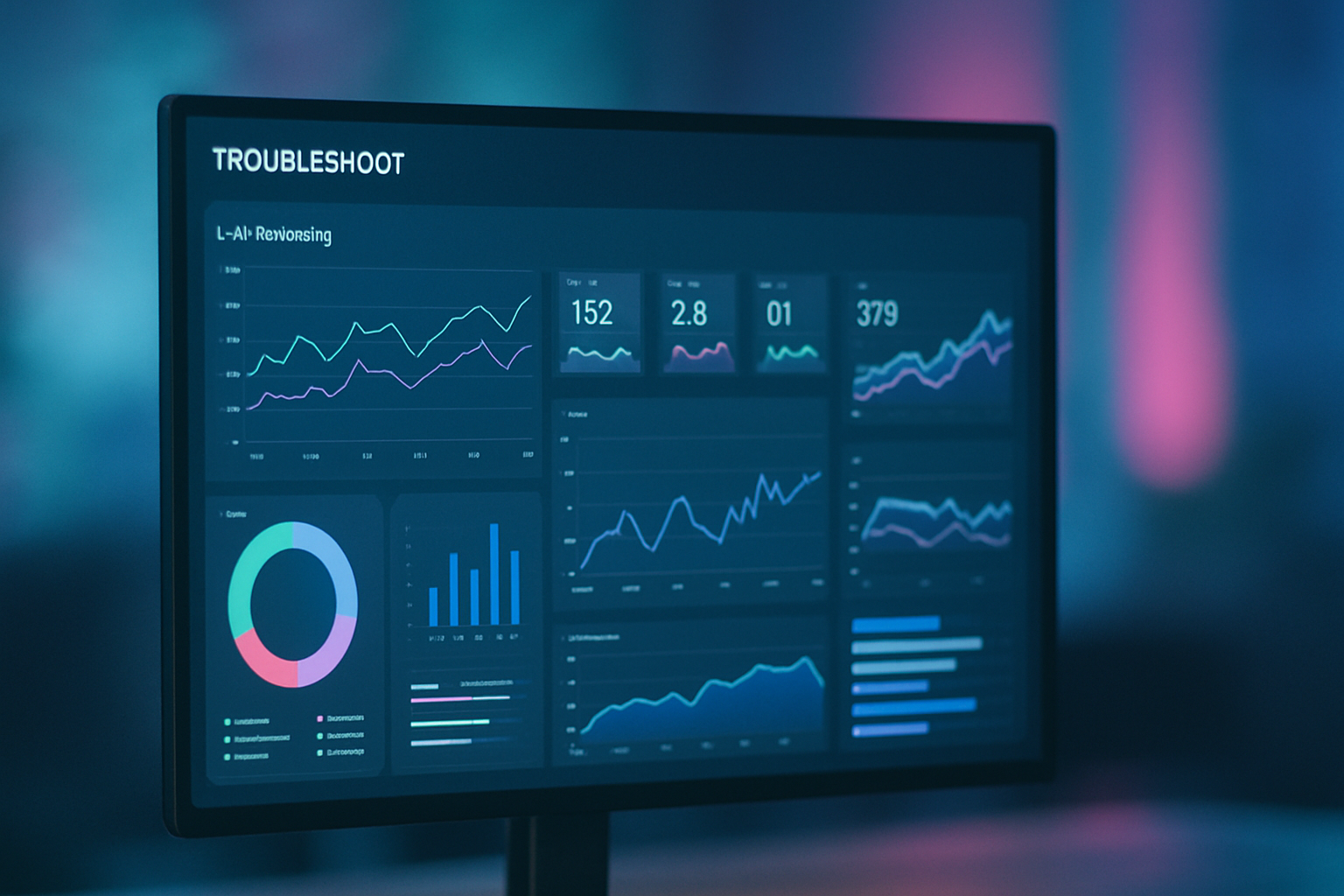
Using Dashboards for Real-Time Debugging Visibility and Control

What Real Time Debugging Requires Today Software systems aren’t simple anymore. Between microservices, distributed architectures, complex APIs, and cloud native infrastructure, even small teams might be managing countless moving parts under the hood. When something breaks, it’s not just a matter of checking a single file or catching a syntax error it’s about tracing

Using Dashboards for Real-Time Debugging Visibility and Control Read Post »

ai-infrastructure-1
Innovation Alerts

Predictive Debugging: Real-World Applications and Emerging Use Cases

What Predictive Debugging Actually Means Traditional debugging is reactive. A bug appears, a developer digs through logs or breakpoints, and eventually patches it. It’s time consuming, and often happens only after users have already felt the impact. Predictive debugging flips that process. Instead of waiting for errors to surface, it uses data and machine

Predictive Debugging: Real-World Applications and Emerging Use Cases Read Post »

code-improvement-1
End-to-End Debugging Frameworks

How to Implement a Complete Debugging Lifecycle Step-by-Step

Know the Bug Before You Chase It Before diving into the code, take time to understand exactly what you’re dealing with. Rushing the debugging process without context can lead to wasted time or even misdiagnosed problems. Replicate the Issue in a Controlled Setting To begin: Recreate the issue consistently, preferably in a development or

How to Implement a Complete Debugging Lifecycle Step-by-Step Read Post »

thread-safety-1
Core Tech Concepts and Insights

Thread Safety: Why It’s Crucial in Multi-threaded Environments

What Happens Without Thread Safety Modern software environments are almost never single threaded. Whether you’re building a web application, a mobile app, or even running background system jobs, you’re almost certainly working in a concurrent context. Failing to account for thread safety isn’t just a theoretical risk it leads to real world bugs that

Thread Safety: Why It’s Crucial in Multi-threaded Environments Read Post »

crash log analysis
Innovation Alerts

Analyzing a Real Crash Log: A Walkthrough with Expert Commentary

Setting the Stage Crash logs aren’t just digital debris they’re storyboards of real failure. Unlike contrived bug examples or textbook exercises, real world crash logs drop you into unfiltered chaos. You get actual runtime conditions, raw stacks, and the fingerprints of an issue that mattered enough to break something in production. That’s why they’re

Analyzing a Real Crash Log: A Walkthrough with Expert Commentary Read Post »

logging levels usage
Expert Breakdowns

The Power of Logging Levels in Efficient Debugging

What Logging Levels Actually Do Not all logs are created equal. Some whisper details; others scream that your app is on fire. Logging levels exist to help you sort important signals from background noise, wrapping intent and urgency into each message. Here’s the breakdown: TRACE: The most granular. Used for following the minute steps

The Power of Logging Levels in Efficient Debugging Read Post »

Scroll to Top